 Academy
Logo Design with AI
From Prompt to Paycheck
From blank page to paid invoice. AI does the brainstorming. You keep the craft, the client, and the paycheck.
when you enroll today
Exactly what you get for $27, before you buy.
Anyone can generate a logo. Almost nobody can close the client.
The complete Illustrator + ChatGPT workflow behind 1,200+ brand marks. Not a prompt trick, but a full professional process: from the first client brief through concepting, revisions, presentation, pricing and closing the sale, to final delivery. This is how you turn AI into more clients, not just faster drafts.
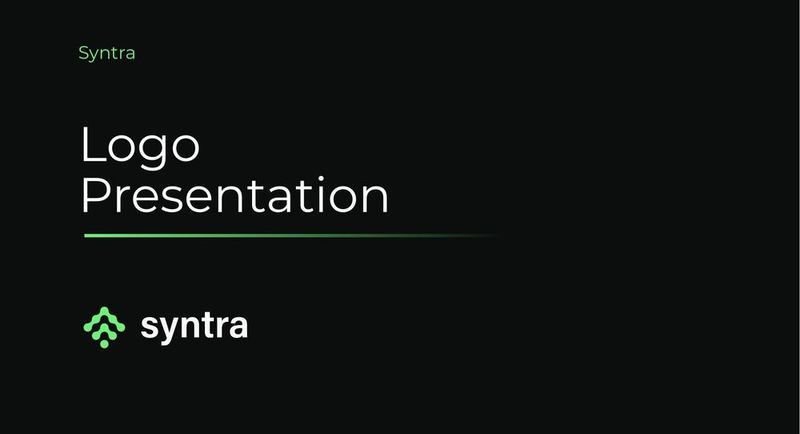
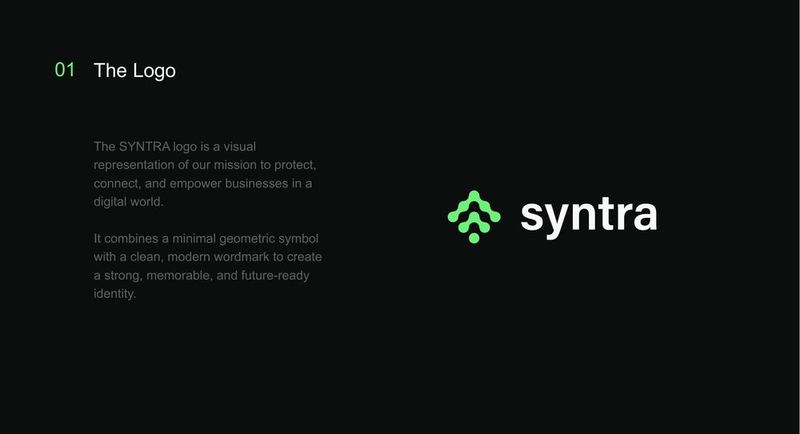
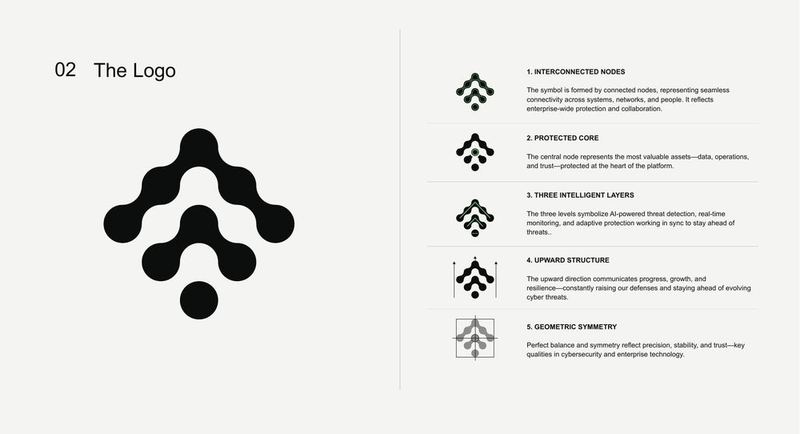
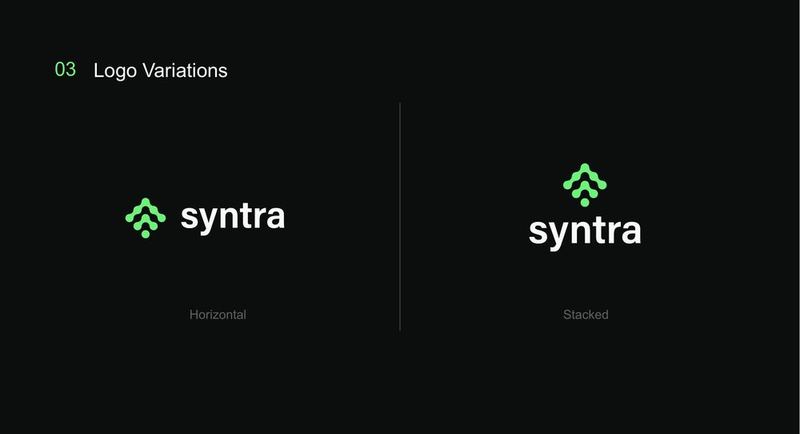
This is what "brief to presentation" actually looks like.
Not a mockup. These are real logo projects built with the exact process taught in this course, from the first concept to the final deck a client actually signs off on. Start to finish, A to Z.
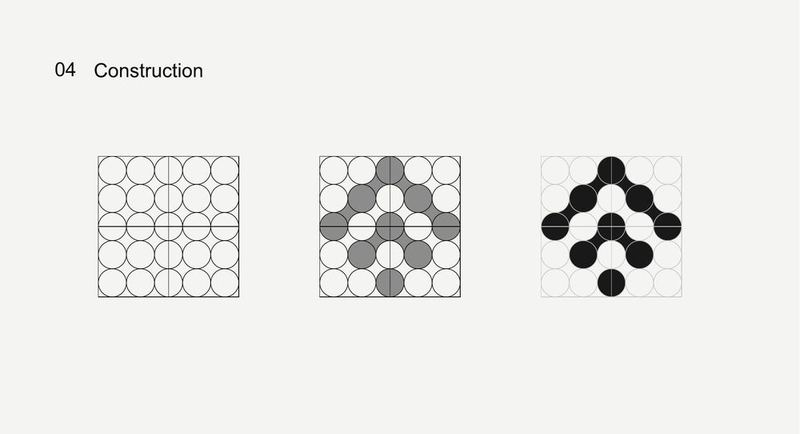
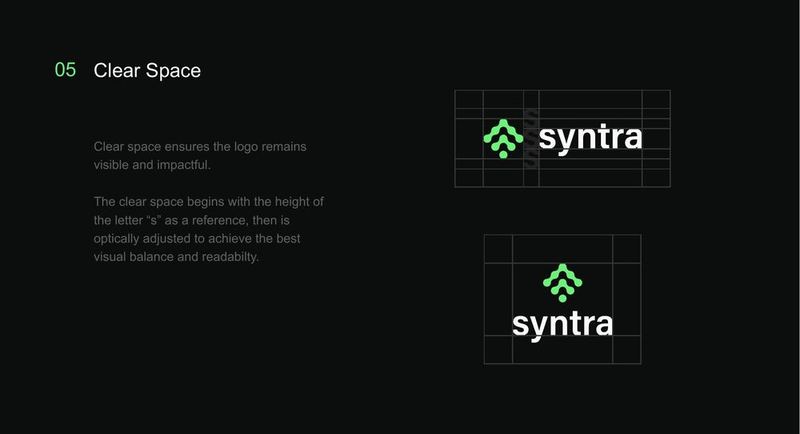
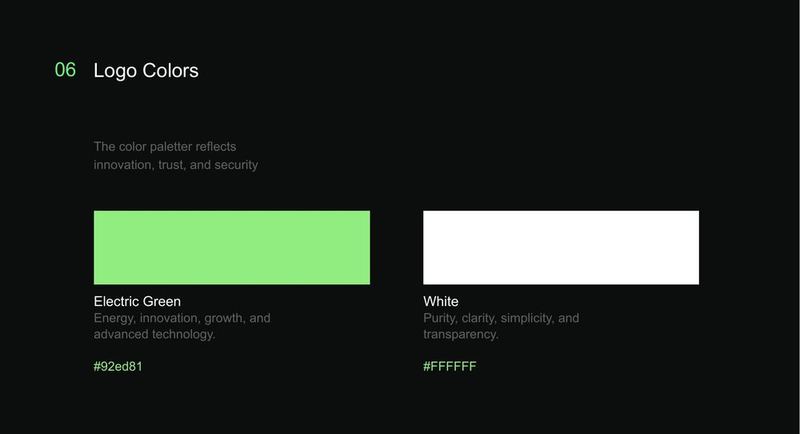
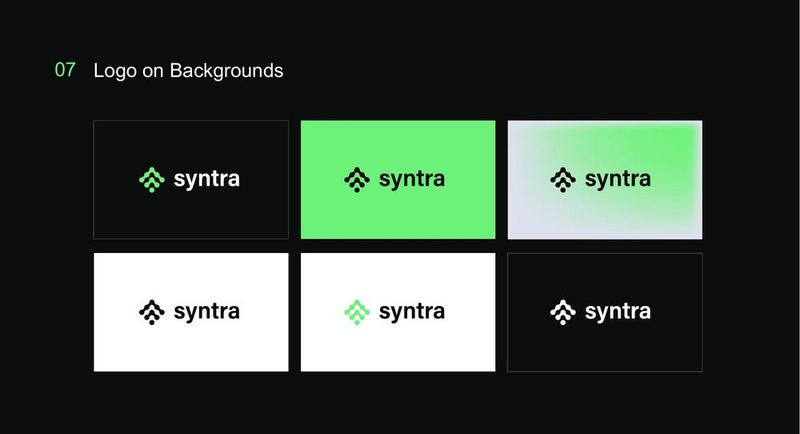
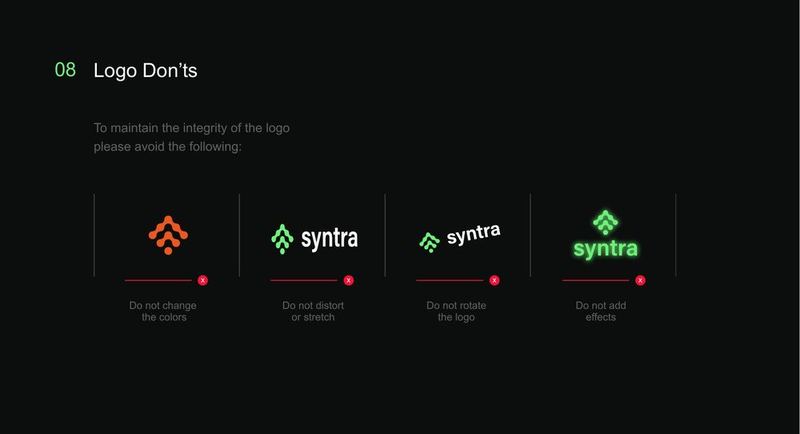
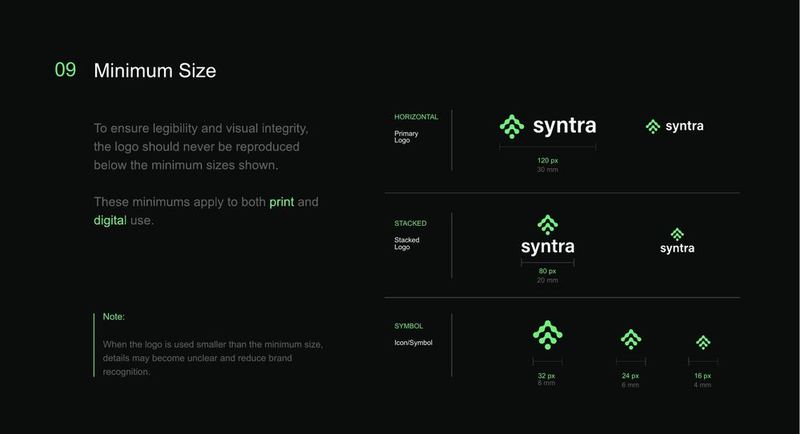
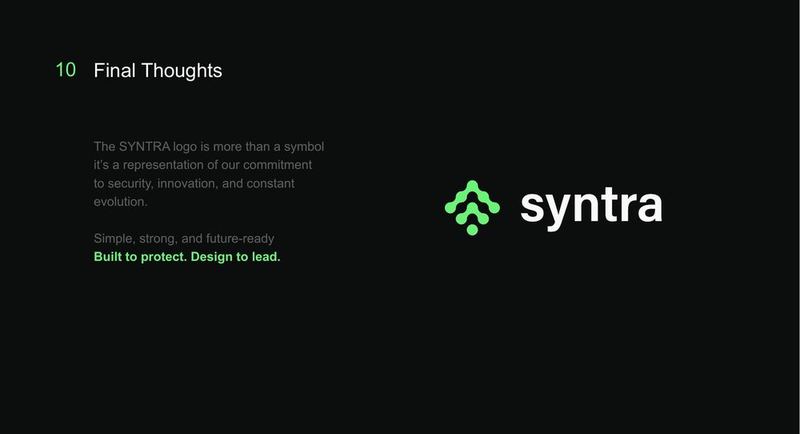
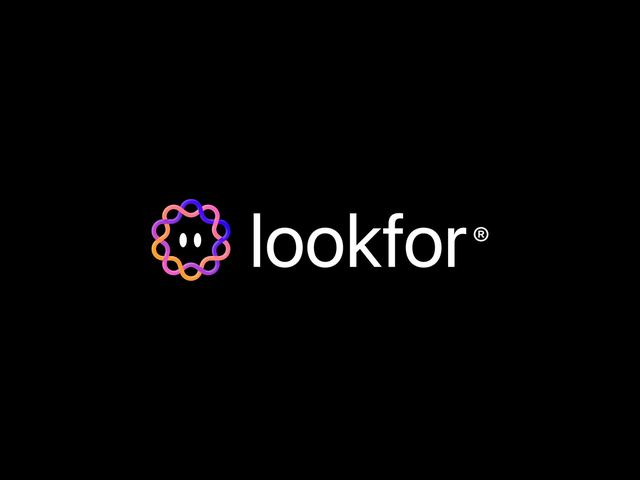
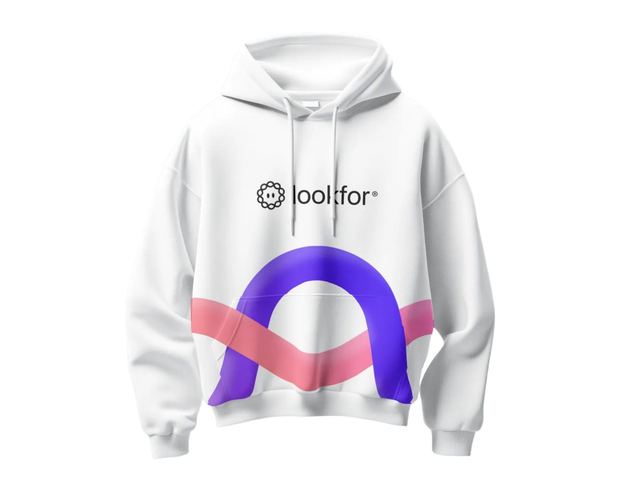
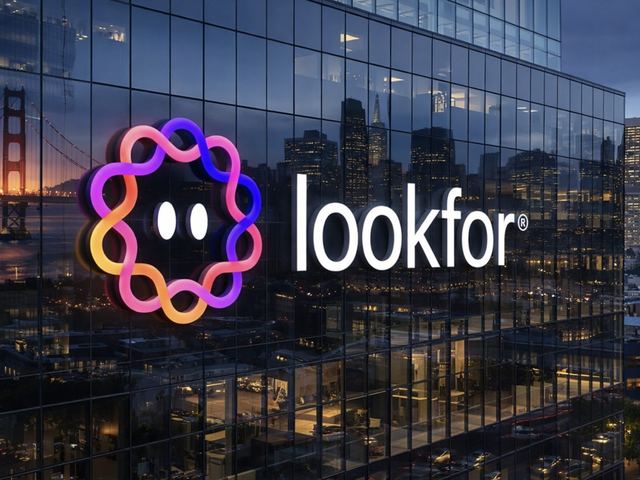

1,200 brands worth of practice.
I'm Visar Dema, founder of Soro Co. Over the past 12 years I've designed brand identities for businesses across dozens of countries, and built a community of over 1.2 million designers who follow the work.
This course isn't theory I researched. It's the workflow I actually use on paid client projects, including the parts where AI helps enormously, the parts where using it will quietly ruin your work, and the client conversations that decide whether a project actually gets signed, paid and delivered.
AI didn't make logo design easier. It made it noisier.
- You spend hours on concepts that get rejected in one line of feedback.
- AI gives you images you can't actually use. No vectors, no scalability, no ownership confidence.
- You're stuck redrawing everything from scratch anyway, so AI saved you nothing.
- Clients ask "did AI make this?" and you don't have a good answer.
- You're charging $50 for work that takes you three days.
- You can design something decent but freeze the moment a client pushes back, asks for a discount, or goes quiet after the first draft.
- Other designers using AI the right way are landing the clients you're pitching, and closing them faster.
The problem isn't AI. It's that nobody showed you where AI belongs in a professional workflow, or how to use it to win better clients instead of just drawing faster. This course is both: the AI-assisted design skill, and the client process that turns it into paid, repeat work.
What you'll be able to do by the end.
This isn't a drawing tutorial. It's the full process, end to end: from a client brief and an AI-generated concept to a finished, professionally presented logo, the exact way it happens across two real projects inside the course.
- Go from AI to real vector artTurn an AI-generated concept into precise, grid-constructed Illustrator artwork that's genuinely yours.
- Read a brief like a designerTurn a client's logo type and brief into clear creative direction before you open Illustrator.
- Brainstorm concepts with AIGenerate and filter logo directions with AI, without losing craft or originality.
- Know why Image Trace isn't enoughSee the difference between a traced sketch and a professional vector logo, and rebuild it properly.
- Choose typography with intentionPick and pair type instead of guessing what "looks right."
- Use proportion and color psychologySet logo proportions and color choices for a reason, not by instinct.
- Design a monogram from scratchTake a monogram brief from AI concept to a refined, typographic vector mark.
- Present logos like a studioPut together a professional logo presentation that explains your choices.
- Deliver files like a professionalPackage the right formats and folders, and hand off like someone who's done this before.
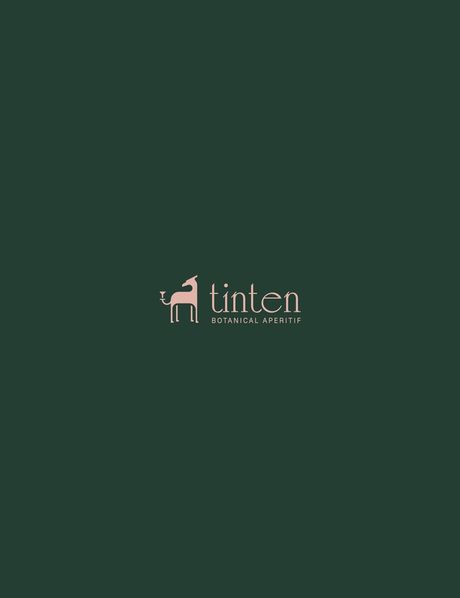
Real logos, made by real students.
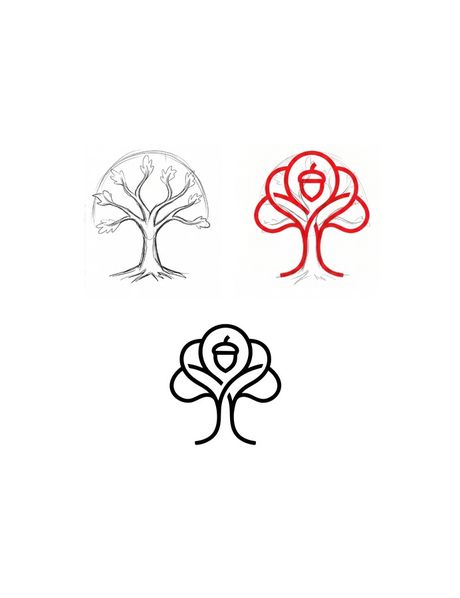
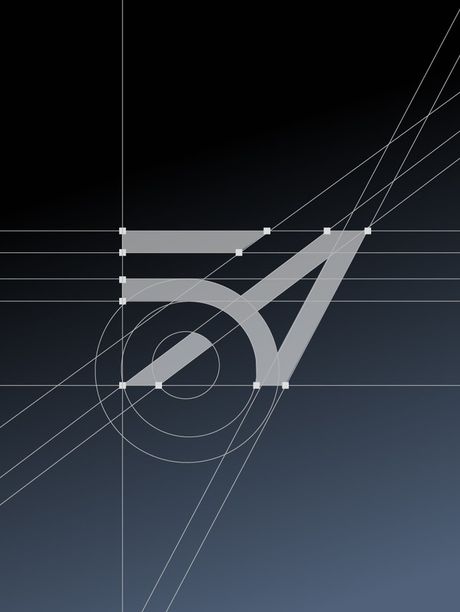
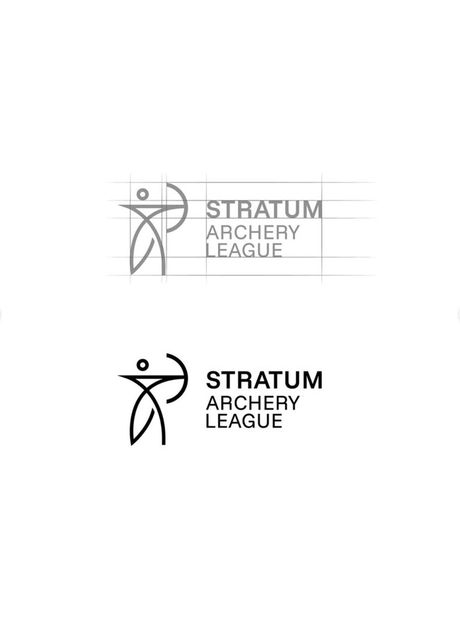
Every mark below started as a brief inside the course, designed, presented and priced using the exact process you're about to learn.


What students say.
Verified reviews from students who took this exact course.
"Landed my first paying logo client two weeks after finishing the course. The pricing lesson alone paid for itself."

"Closed my first $600 logo project using exactly the pricing conversation taught in section four."

"Used the AI concepting method on my very first brief. Client picked the third direction, no revisions needed."

"I was scared AI would make my work look generic. This course taught me the opposite, how to keep it mine."

"The brief-to-delivery workflow changed how I talk to clients. I stopped guessing and started charging properly."

"The proposal and contract templates alone saved me hours. Wish I had these a year ago."

What's covered.
18 lessons across 5 sections, in the order a real project happens. Two complete client projects built end to end: a symbol logo and a monogram, from the brief to the delivered files.
Foundations 4 lessons
- Welcome to The AI Logo Design Blueprint
- Can AI Replace Logo Designers?
- Why Adobe Illustrator Matters
- What Makes a Great Logo?
AI to Illustrator 3 lessons
- Creating Our First Logo with AI
- Rebuilding the Logo in Adobe Illustrator
- Image Trace vs Professional Vector Logo
Creating a Meaningful Symbol Logo 6 lessons
- Logo Types & Client Brief
- AI Brainstorming & Concept Generation
- Refining the Logo in Illustrator
- Choosing the Right Typography
- Logo Proportions & Color Psychology
- Creating a Professional Logo Presentation
Professional Monogram Design 4 lessons
- Understanding Monograms & Client Brief
- AI Brainstorming & Monogram Concepts
- Refining the Monogram in Illustrator
- Typography & Strategic Color Selection
Exporting & Delivering 1 lesson
- Understanding Logo Files & Delivering Like a Professional
Who this is for.
This is for you if…
- You know basic Illustrator but your logos still look amateur
- You want AI in your workflow without losing the craft
- You're taking too long per project to be profitable
- You want to move from $50 gigs to real client work
- You learn better by watching someone actually do it
This is not for you if…
- You've never opened Illustrator, so start with the fundamentals first
- You want AI to generate finished logos with no work from you
- You want a full lead-generation or paid-ads course, since this covers the project itself, not finding clients
- You want 1:1 mentorship, which isn't included at this price
Plus 5 free bonuses when you enroll.
The business side of a logo project, already built for you: the paperwork that makes you look like a studio, and the prompt library behind the concepting method.
Presentation template
The deck layout used to present logo concepts to a client. Drop your work in and it already looks like a studio put it together.
Proposal template
Scope, deliverables and terms laid out so a client says yes to the project, not just to the price.
Invoice template
A clean, professional invoice so getting paid looks as sharp as the work itself.
Contract template
Ownership, revisions and payment terms in writing. The paperwork that protects you when a project goes sideways.
Prompt vault
The tested prompt library behind the concepting method, ready to paste in so you never start from a blank page.
All 5 bonuses, yours free with every enrollment.
Everything you get for $27, today.
One payment. 18 lessons, 2 real client projects, 5 bonuses and every future update. No subscription, no upsell.
Before you buy.
Does this cover the client side too, or just design technique?
Both. This is built as one continuous process: reading the brief, concepting with AI, building the vector, presenting it, handling feedback, pricing it, closing the client, and delivering the final files. Most logo courses stop at the drawing. This one doesn't.
Do I need Adobe Illustrator?
Yes. The course is taught in Illustrator and you'll need a working copy to follow along. A free trial is enough to complete the course.
Do I need to pay for ChatGPT?
No. Everything in the course works on the free tier. The paid tier is faster, but it isn't required.
I'm a complete beginner. Is this too advanced?
If you've never opened Illustrator, start with fundamentals first. If you know the basic tools and your logos just aren't at a professional level yet, this is exactly where you should be.
How long does it take?
Most students finish over a weekend, but access is lifetime, so go at whatever pace works.
Is it live or recorded?
Fully recorded and self-paced. Watch whenever you want, rewatch as often as you need.
Will AI-made logos get rejected by clients?
Not the way this course teaches it. AI is used for exploration only. Every final mark is constructed by you in vector, which means it's genuinely your work and you can defend it in any client conversation.
What if I don't like it?
Email us within 14 days and we'll refund you in full. See the refund policy for details.
Stop guessing. Start shipping better marks and landing better clients.
One weekend, $27 instead of $97, and a workflow you'll use on every project after this. Plus 5 free bonuses, on us.