 Academy









Brand Identity
with AI
Turn one logo into a full brand system, 10x faster with AI. More clients. Same hours.
when you enroll today
Exactly what you get for $27, before you buy.
You can design a logo. Clients want the whole brand.
10 lessons covering the exact process for turning one logo into a complete brand identity, 10x faster with AI: the brief, the name and story, the logo, a real colour & type system, a professional guidelines deck, and real-world application. Take on more clients without adding more hours. One honest note: this isn't an Illustrator-fundamentals course, you'll want to already be comfortable in Illustrator or a similar vector tool.
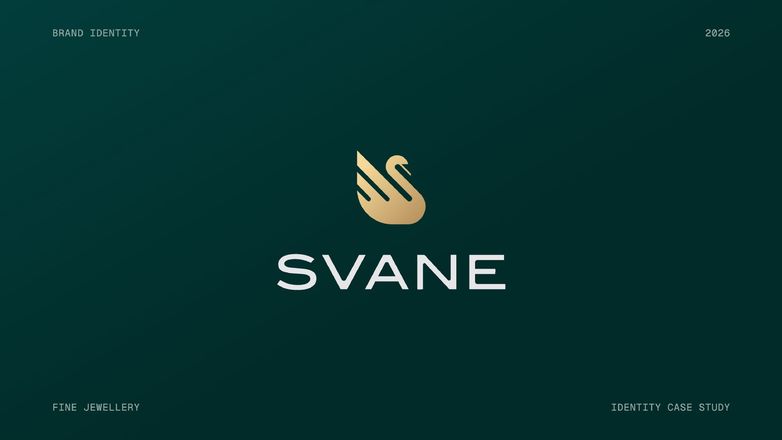
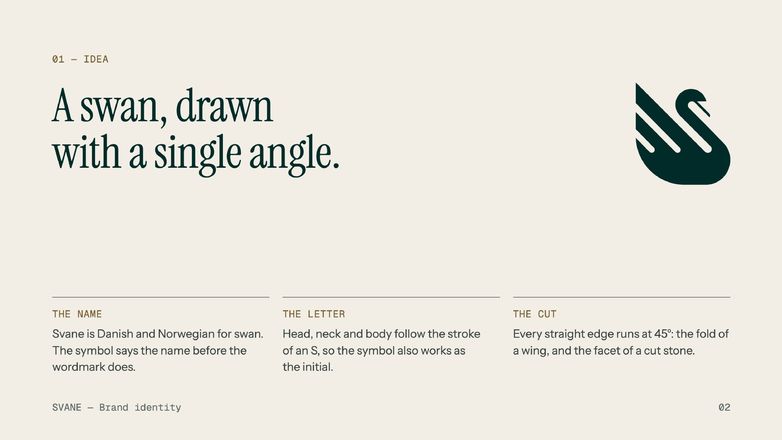
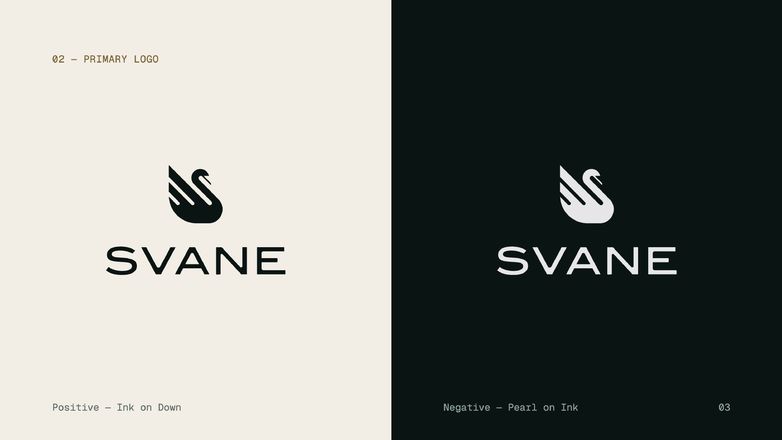
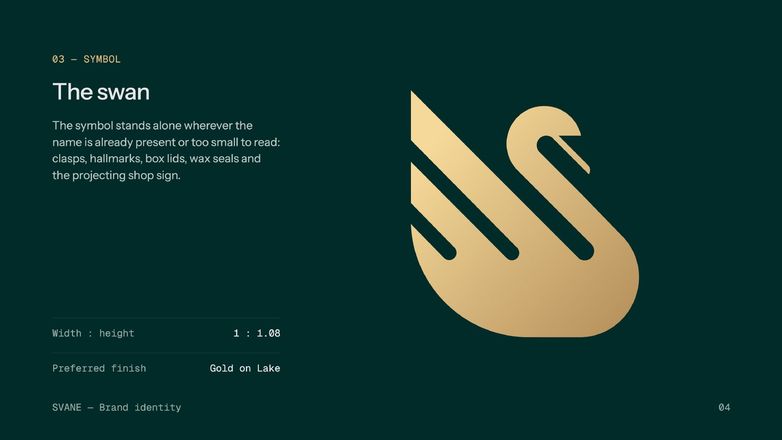
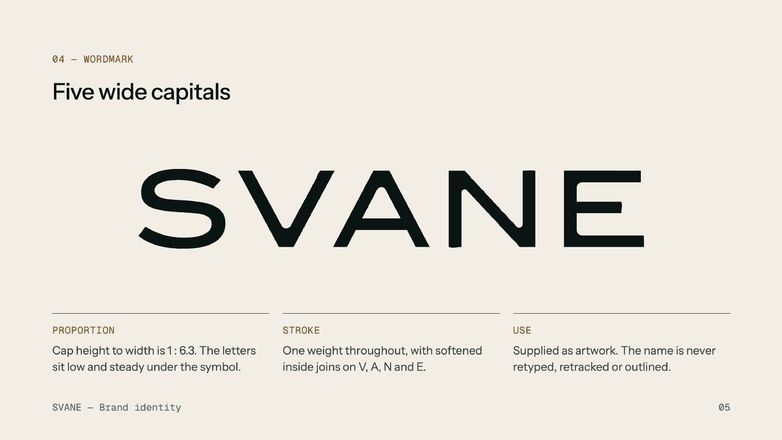
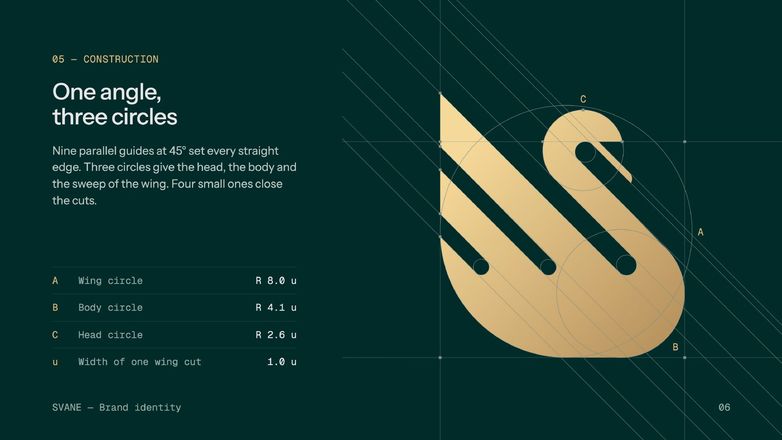
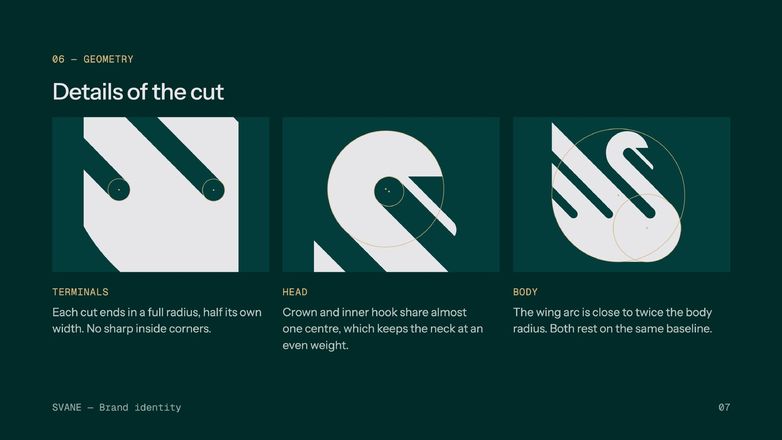
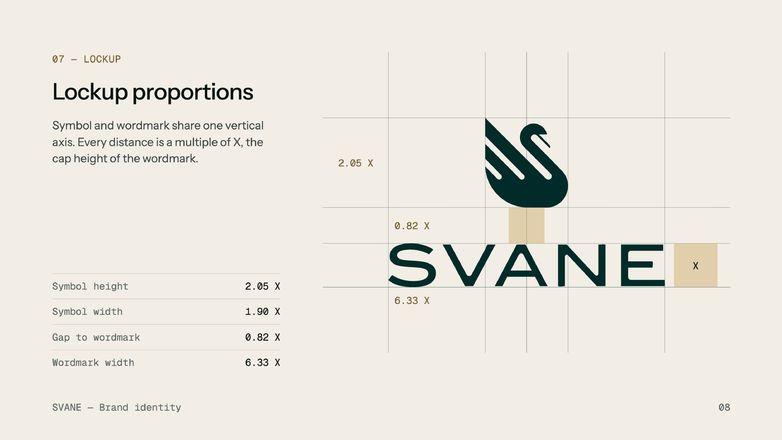
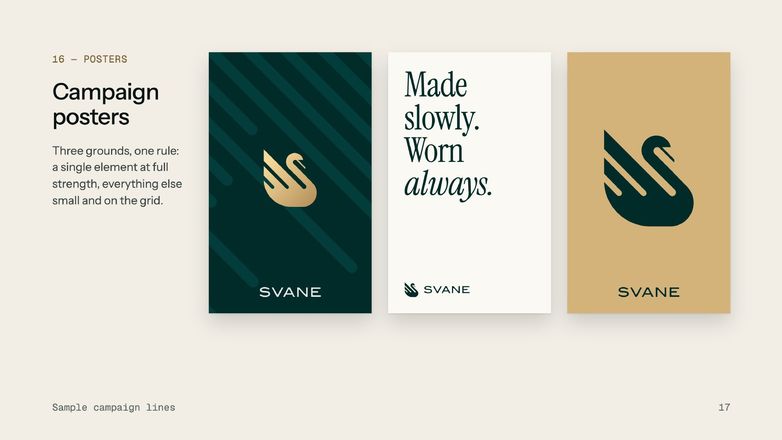
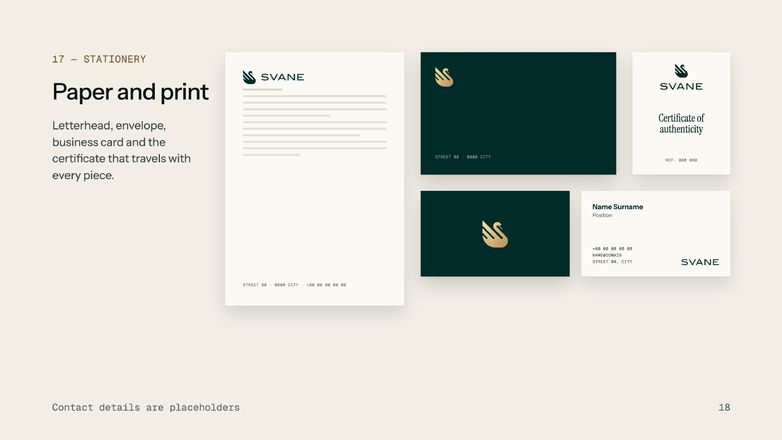
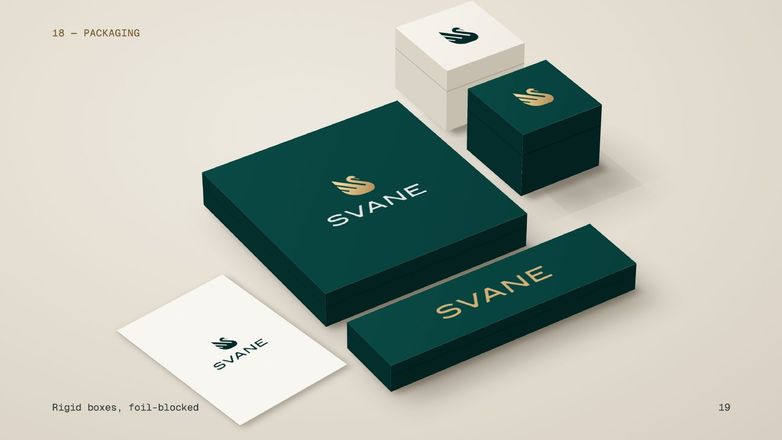
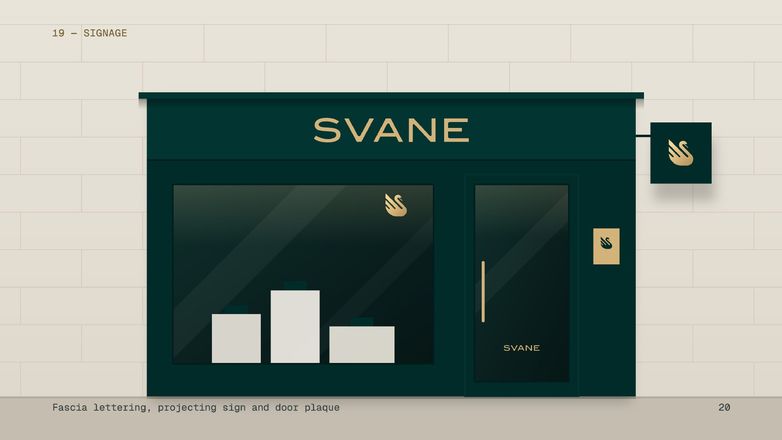
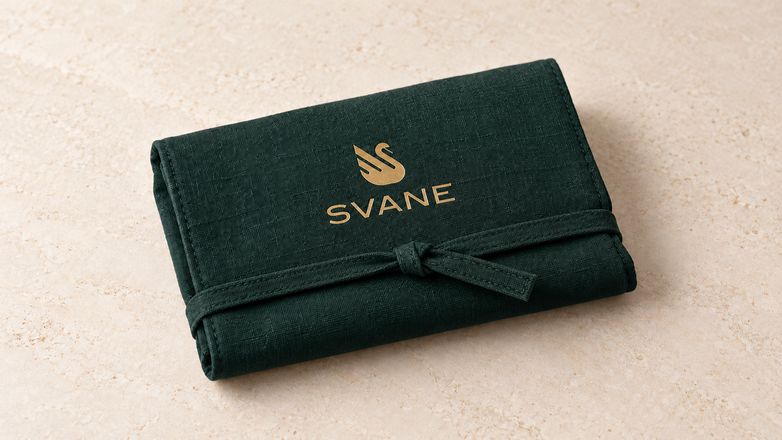
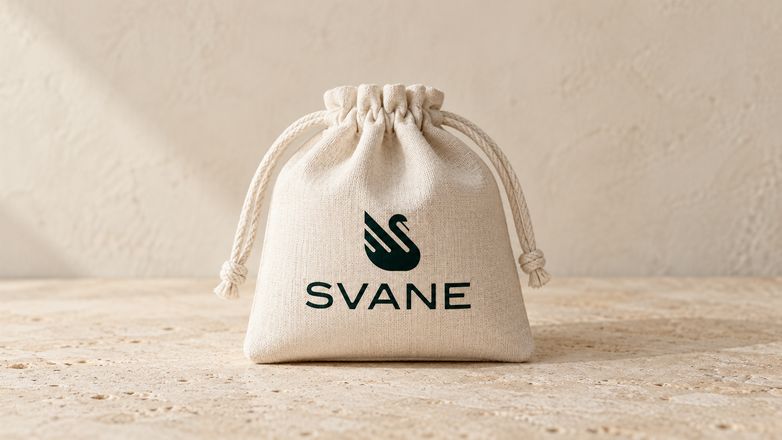
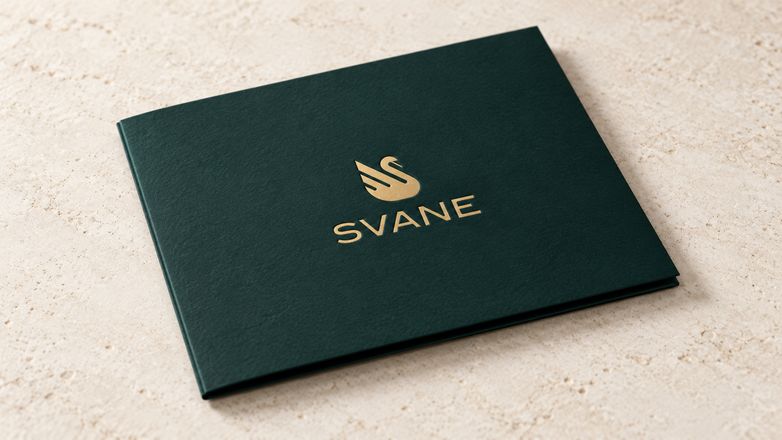
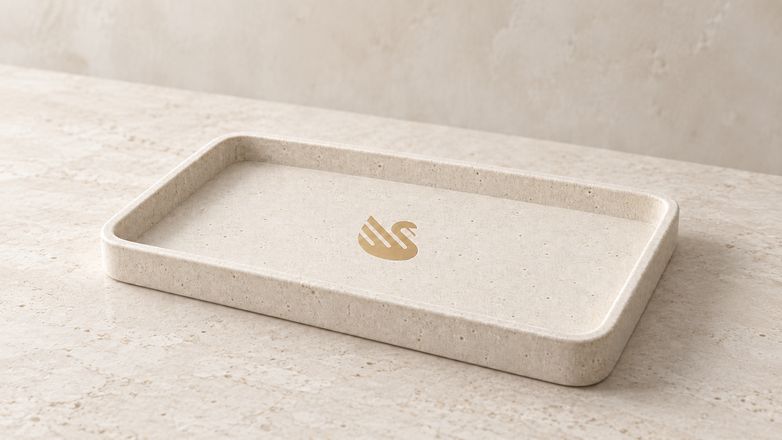
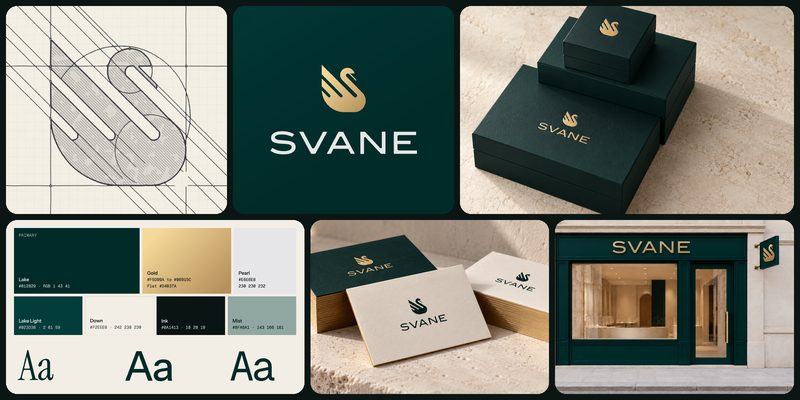
Meet SVANE. The full identity, brief to shop sign.
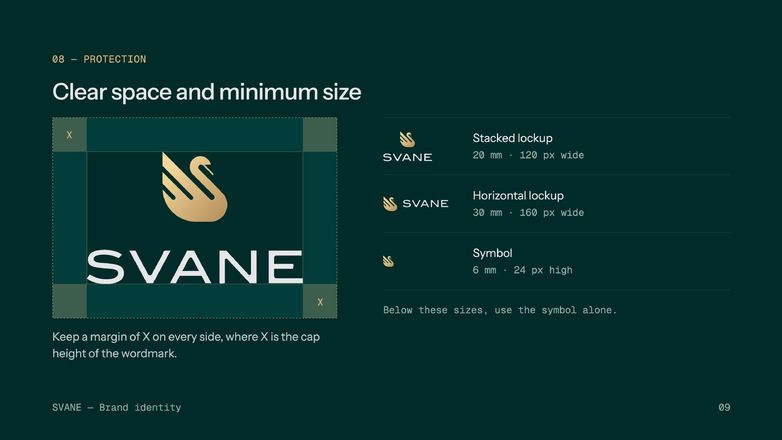
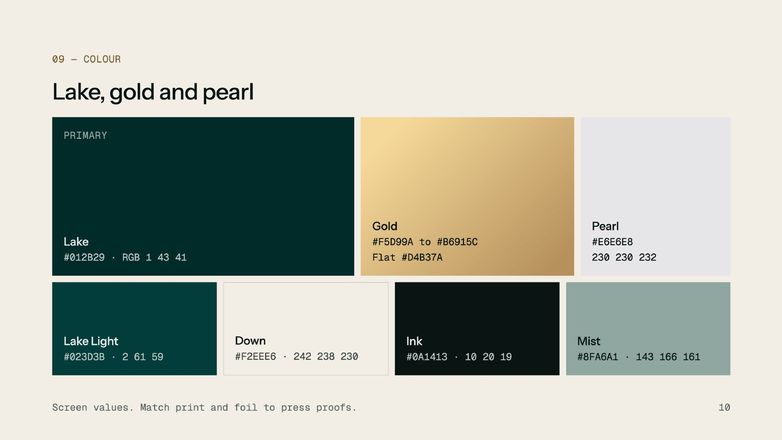
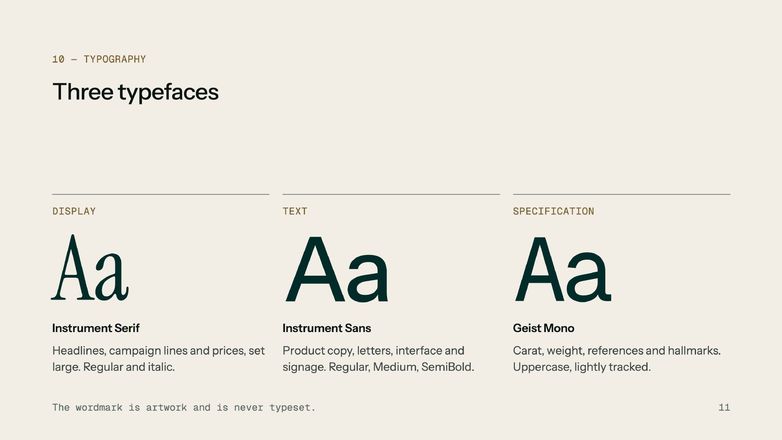
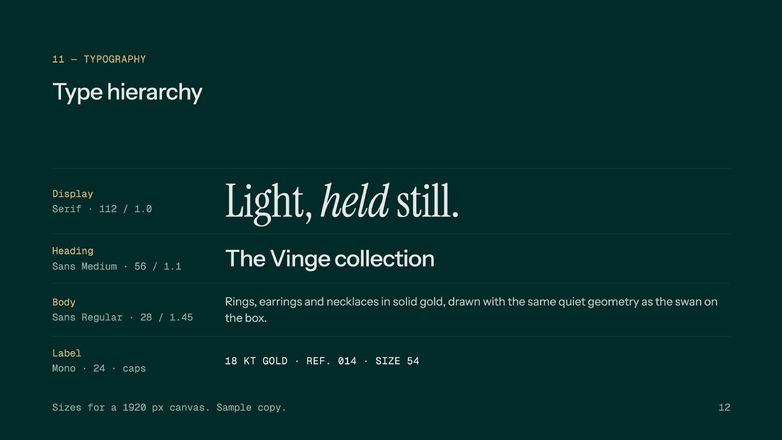
Not a mockup exercise. SVANE is a complete fine-jewellery identity, posted here in full, built end to end with the exact process taught in this course: the brief, the name, the logo, the colour & type system, the full guidelines deck, and every real-world application that ships with it.
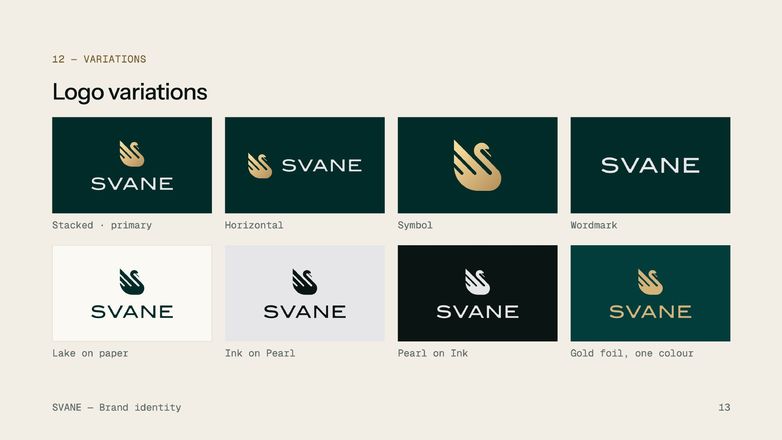
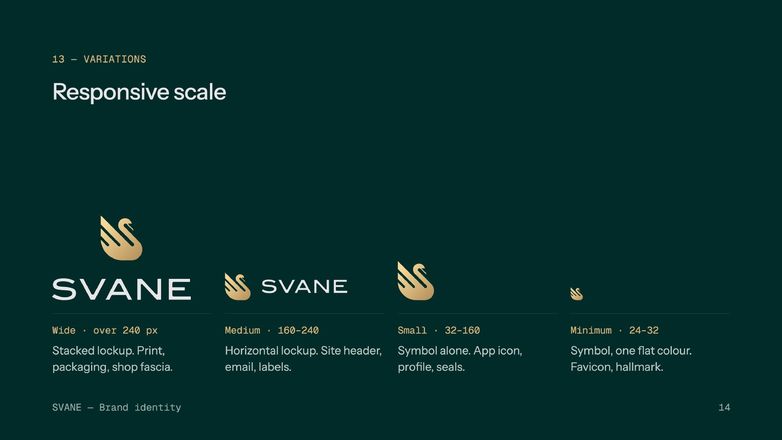
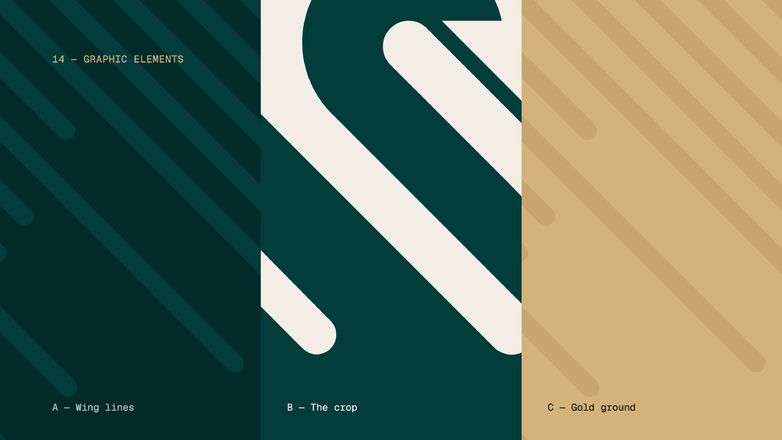
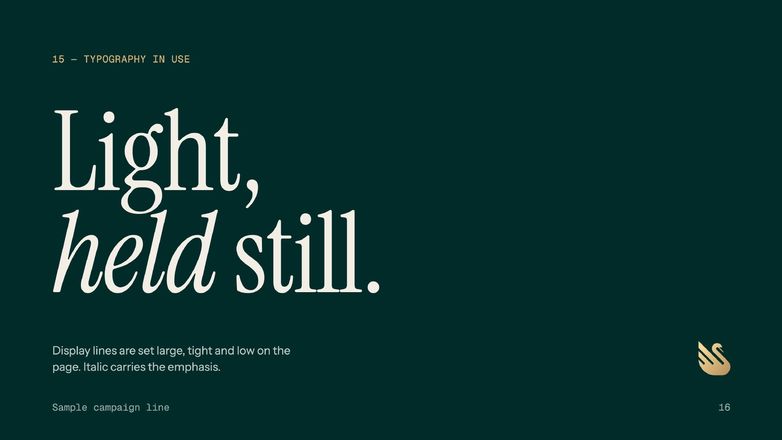
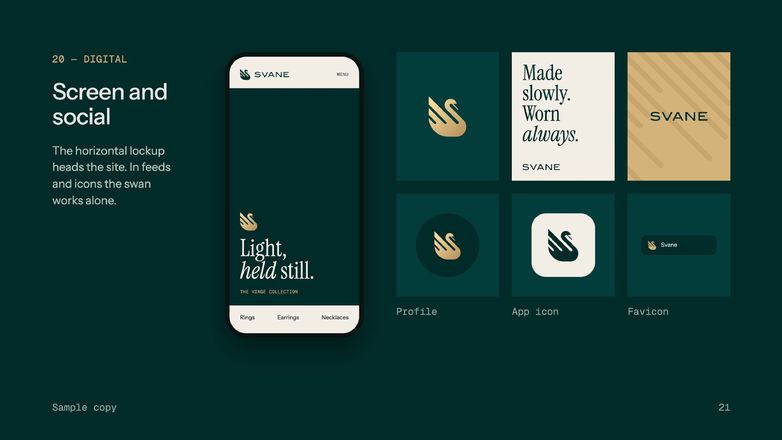
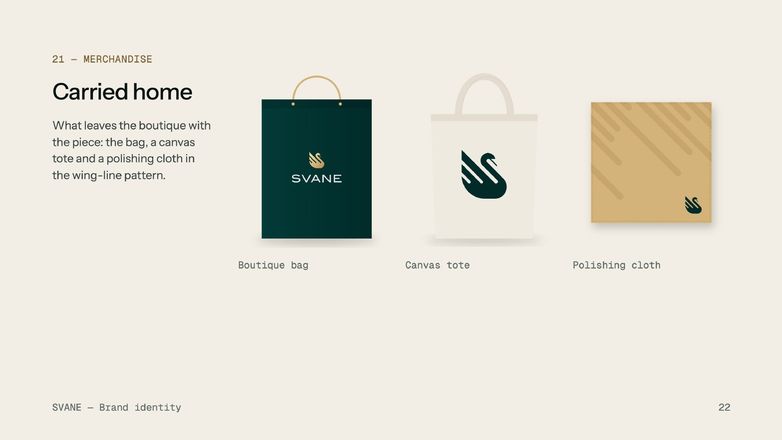
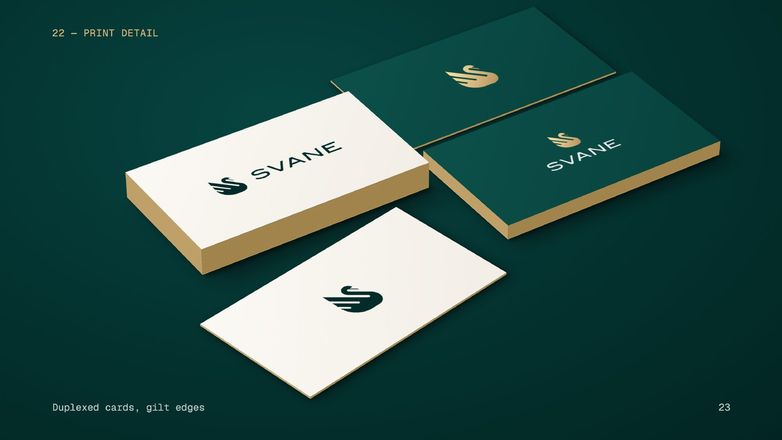
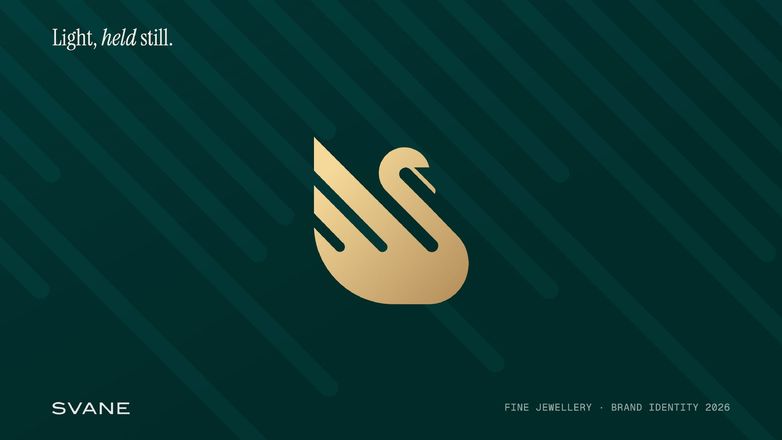
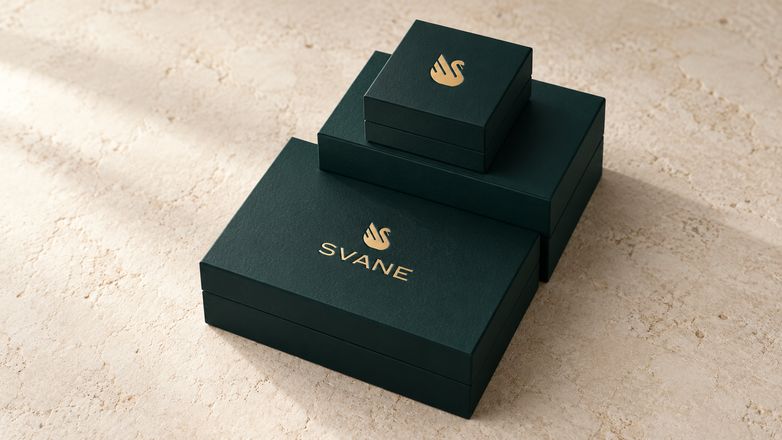
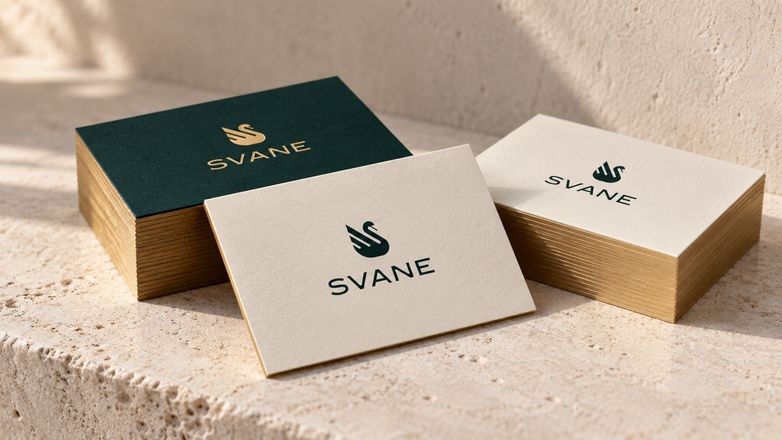
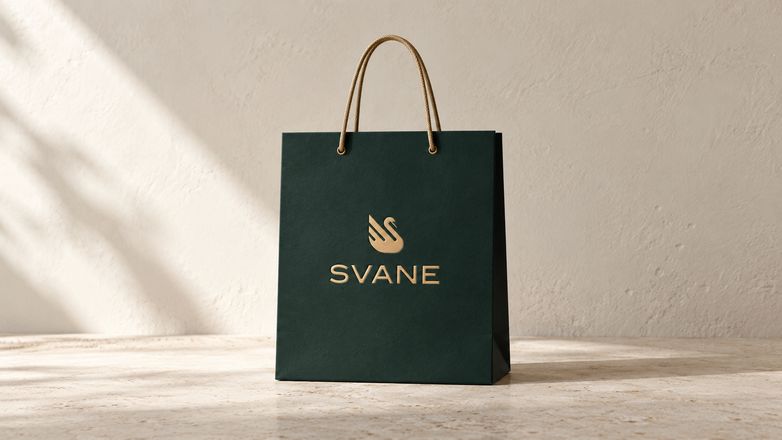
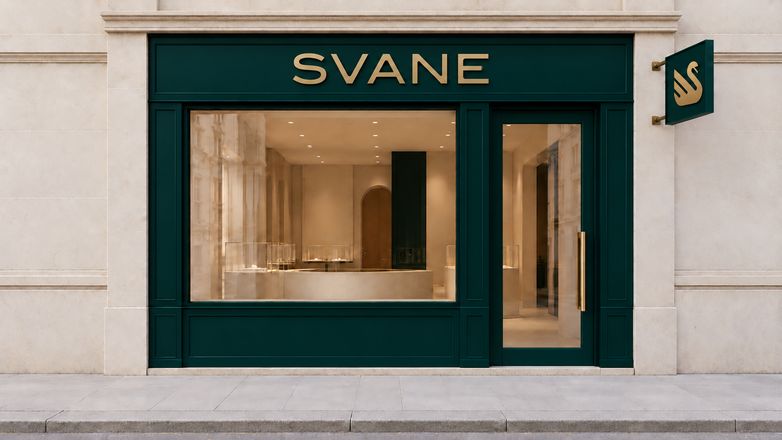


1,200 brands worth of practice.
I'm Visar Dema, founder of Soro Co. Over the past 12 years I've designed brand identities for businesses across dozens of countries, and built a community of over 1.2 million designers who follow the work.
This course isn't theory I researched. It's the workflow I actually use on paid client projects, including the parts where AI helps enormously, the parts where using it will quietly ruin your work, and the client conversations that decide whether a project actually gets signed, paid and delivered.
You can design a logo. Then the client asks for "the full brand."
- You can design a logo, but you freeze the moment a client asks for "the full brand."
- Every "brand guidelines" template you've seen looks like a corporate PDF nobody reads.
- You don't actually know what goes inside a guidelines deck: construction grid, clear space, the works.
- Your color choices feel like guesses, not a system.
- You've never priced a full identity project, so you under-quote and over-deliver.
- AI tools help you make images, but not an actual usable brand system.
- Clients ask for "brand strategy" and you have no idea where to start.
The problem isn't your design eye. It's that nobody ever showed you how a real studio turns one logo into a complete, documented brand system: strategy, color and type system, guidelines deck, and real-world application. That's exactly what this course does, with AI speeding up every stage.
What you'll be able to do by the end.
This isn't a highlight reel of "cool tricks." It's the full process, covered start to finish across 4 levels, so "build me a brand" never catches you flat-footed again, and you can take on more of them.
- Turn a one-line brief into real directionResearch, position and concept a brand before opening any design software.
- Build a true color & type systemNot a palette, a system: primary, secondary, accent roles and a type scale that scales.
- Construct a professional guidelines gridBuild the construction grid, clear space and minimum size rules the right way.
- Document logo usage like a studioShow variations, color rules and don'ts the way real agencies present them to clients.
- Design real-world brand touchpointsBusiness cards, social templates, website application, signage and merch, all on-system.
- Use AI for concepting, not just outputMoodboard, explore directions and generate variations fast without losing creative control.
- Package a brand guidelines PDFLay out and export a guidelines document clients actually read and use.
- Price a full identity projectMove from "logo job" pricing to full-identity project pricing, with phases clients understand.
- Deliver a client-ready handoffPackage every file, format and asset the way a professional studio hands off work.
What students say.
Verified reviews from students who took this exact course.
"I used to hand off a logo and hope for the best. Now I hand clients an actual brand book."

"The construction grid lesson alone was worth it. My guidelines decks finally look like something an agency would ship."

"First time I've felt confident quoting a full identity project instead of just a logo."

"The AI moodboarding section changed how I start every project. Direction in an hour, not a week."

"I paired this with Logo Design with AI and it's basically one continuous process now."

"A client asked for “the full brand” for the first time and I actually knew what to deliver."

What's covered.
10 lessons across 4 levels, in the order a real studio actually works: think, draw, build the system, deliver. One honest note before you scroll: this isn't an Illustrator-fundamentals course, you'll want to already know your way around Illustrator or a similar vector tool.
Level 1 — Think 3 lessons
The strategy, before any drawing.
Show lessons
- The Brief: one page that decides everything
- Name and Story: what the brand is called and why
- Direction: three words, five rules, one look
Level 2 — Draw 3 lessons
The logo.
Show lessons
- The Idea: from a hundred sketches to one
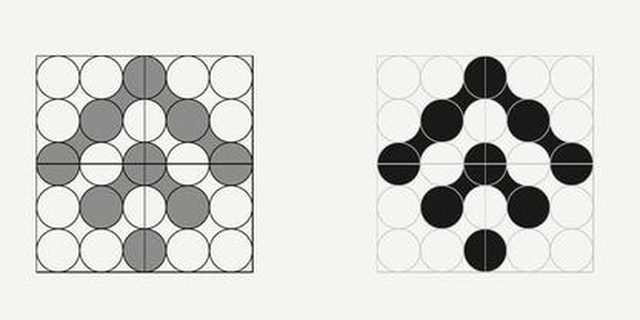
- The Build: circles, lines and one clean shape
- Wordmark and Lockups: the letters, and how they lock to the symbol
Level 3 — Build the System 2 lessons
What makes a logo a brand.
Show lessons
- Colour: one deep colour, one metal, four codes
- Typography: three typefaces and one small table
Level 4 — Deliver 2 lessons
To the world, and to the client.
Show lessons
- In the Real World: mockups with AI
- Present and Charge: the brand book, the meeting, the price
Who this is for.
This is for you if…
- You can already design (or you're taking Logo Design with AI) and want to go from "I made a logo" to "I built a brand"
- You want to build real guidelines decks, not just logos
- You want AI woven into your concepting process without losing creative control
- You want to price and deliver full identity projects, not one-off logo jobs
- You learn better by building the real deliverable, step by step
This is not for you if…
- You've never designed anything yet, start with Logo Design with AI first
- You don't already know your way around Illustrator or a similar vector tool, this isn't an Illustrator-fundamentals course, pair it with our Illustrator Mastery course first
- You're already running full identity projects professionally, since this takes you from zero to pro, not refinement
- You want 1:1 mentorship, which isn't included at this price
Plus 4 free bonuses when you enroll.
The business side most brand courses skip entirely: the client documents that turn the process into paid identity projects, already designed for you.
Brand Guidelines
A ready-made guidelines deck. Drop your own logo, colours and type in instead of building the layout from zero.
Proposal Design
A designed proposal for pitching full identity projects, ready for your own scope, phases and price.
Invoice Design
A clean, branded invoice layout, so even the bill looks like it came from a studio.
Contract Design
A professional contract layout to hold your own terms, so the paperwork matches the brand work.
All 4 bonuses, yours free with every enrollment.
Everything you get for $27, today.
One payment. 10 lessons, 4 levels, 4 bonuses and every future update. No subscription, no upsell.
You'll build the system. Pick what comes with it.
Pick the courses you want. Any 2 courses = $39. All 3 = $49.
 In your order
Brand Identity with AI
10 lessons · 4 levels
Before you buy.
Do I need a logo already to start?
It helps, but isn't required. The strategy and concepting modules work whether you're starting from an existing logo or designing one as you go. If you want the dedicated logo-design process first, pair this with our Logo Design with AI course.
What software do I need?
Illustrator (or a comparable vector tool) for building the system and guidelines deck, plus any AI image tool for the concepting lessons. A free trial of either is enough to follow along. One thing this course does assume: you already know your way around Illustrator, it's not an Illustrator-fundamentals class.
How long does it take?
10 lessons across 4 levels, built to move fast. Most students get through it in a weekend and use it on their very next client, but access is lifetime, so go at whatever pace works for you.
Is it live or recorded?
Fully recorded and self-paced. Watch whenever you want, rewatch as often as you need.
Does this teach Illustrator itself?
This course covers the brand-identity process: strategy, system, guidelines and application. If you want every Illustrator tool and panel covered start to finish, pair it with our Illustrator Mastery course.
Do the bonuses require client experience?
No. They're written for anyone at any stage who wants to start pricing and delivering full identity projects.
What if I don't like it?
Email us within 14 days and we'll refund you in full. See the refund policy for details.
Stop handing off a logo and hoping for the best.
10 lessons, $27 instead of $97, and a complete, documented brand system you can build 10x faster and deliver on every project after this. Plus 4 free bonuses, on us.